Keep score on your wrist — one tap at a time.
PadelScore is a minimal, high‑contrast smartwatch app for padel/tennis scoring — currently in closed beta on WearOS, with iOS coming soon: big touch targets, clear current score, auto‑save & resume, and local match history — fully offline.
Features
Designed for round screens and outdoor visibility.
One‑tap scoring
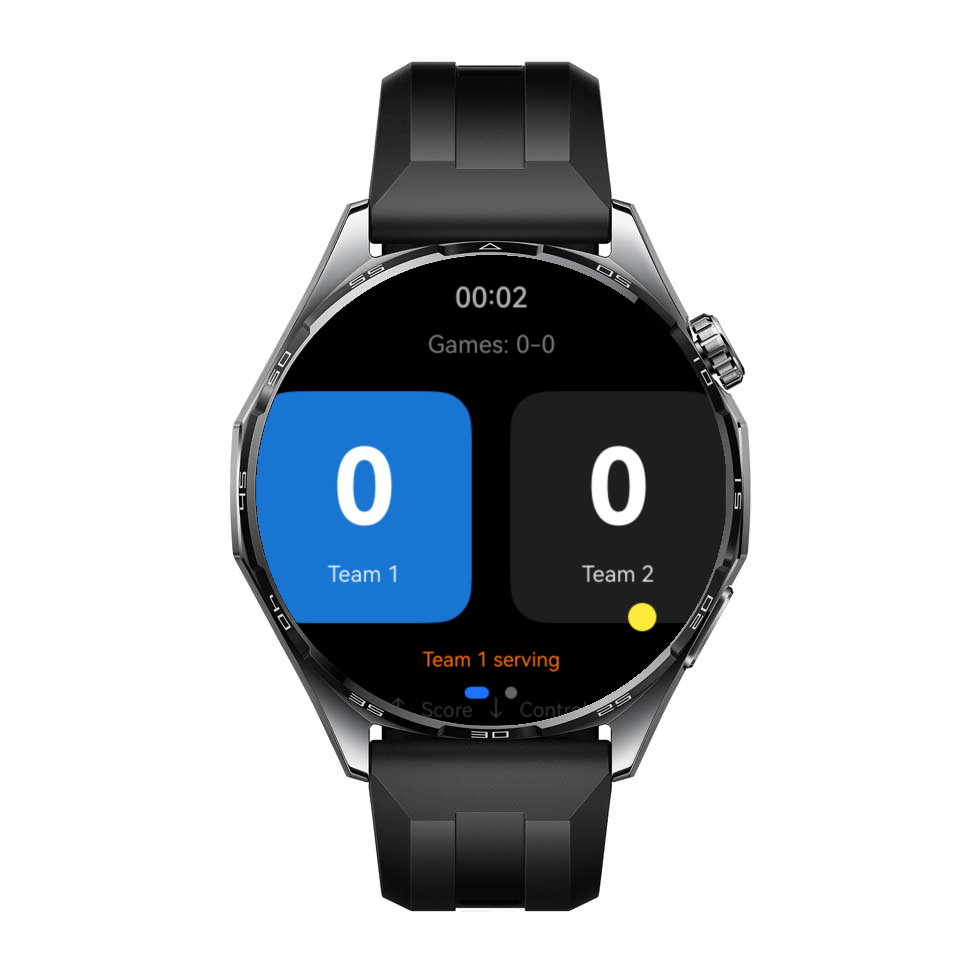
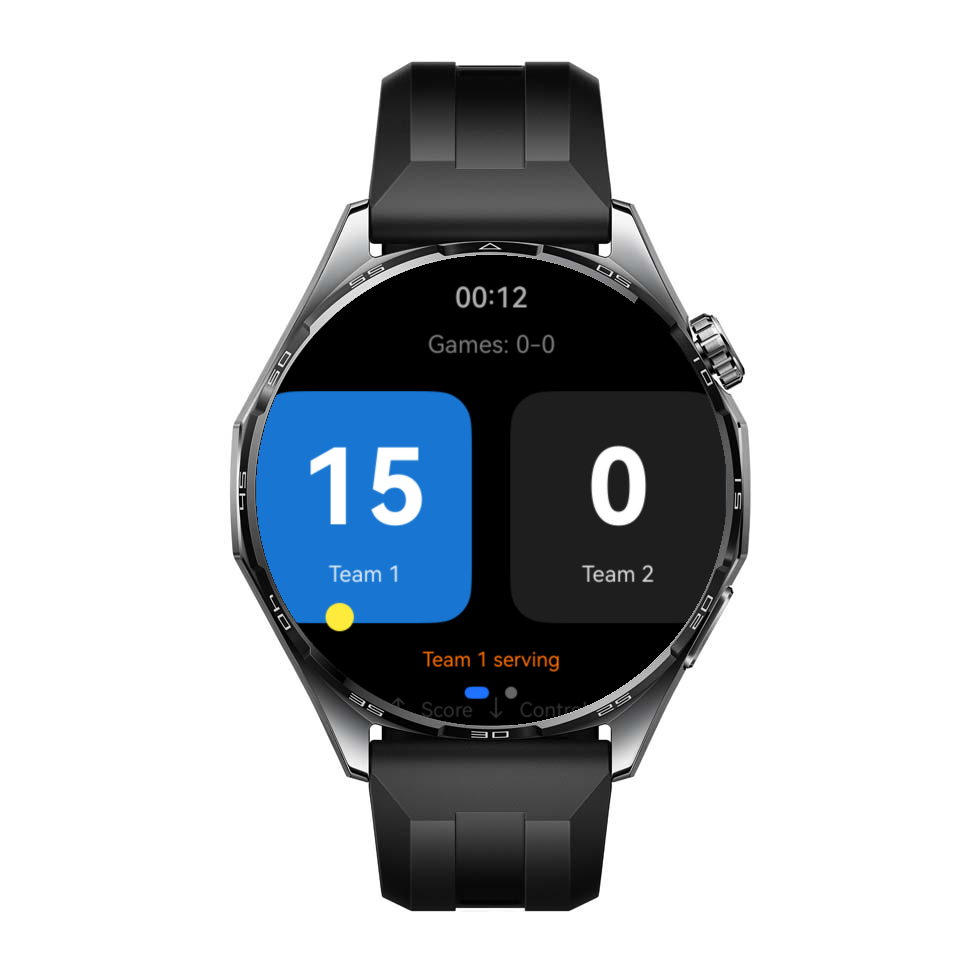
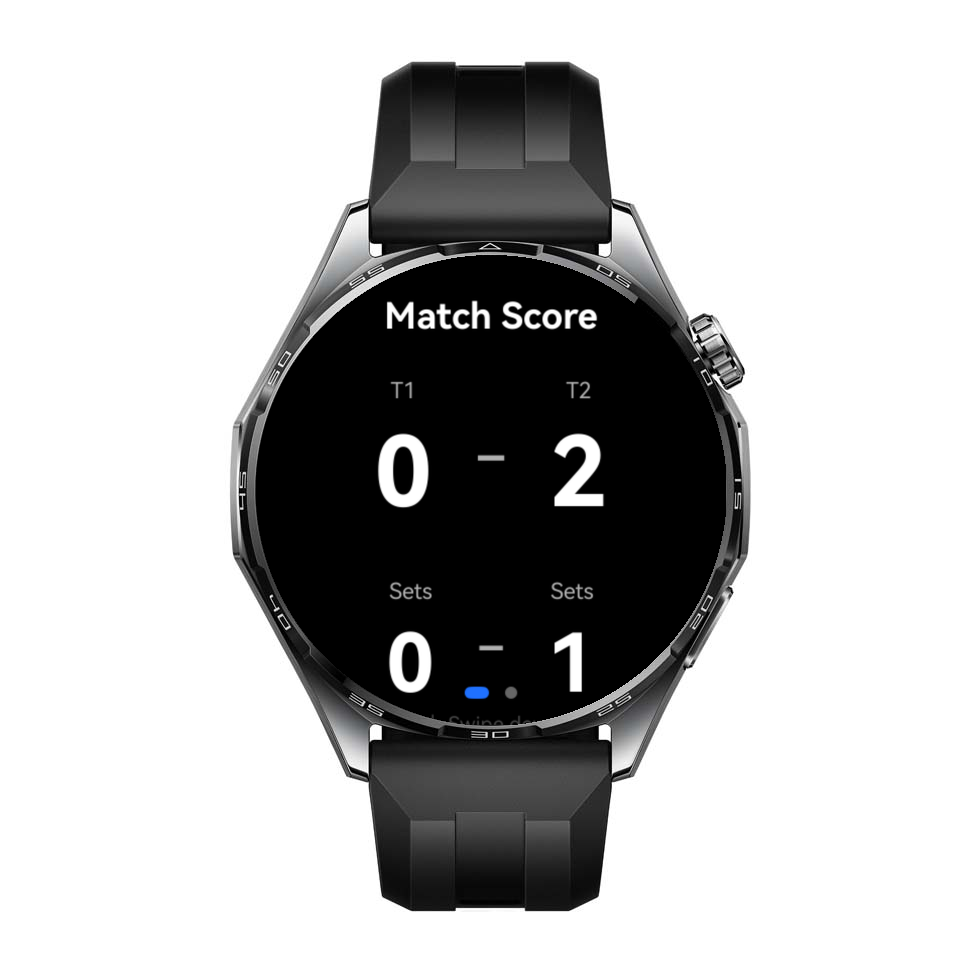
Tap Team 1 or Team 2 to award a point. The current points, games, sets, and serving indicator stay clear.
Auto‑save & resume
Match state is periodically saved so you can resume after a restart and keep playing.
Padel/Tennis rules
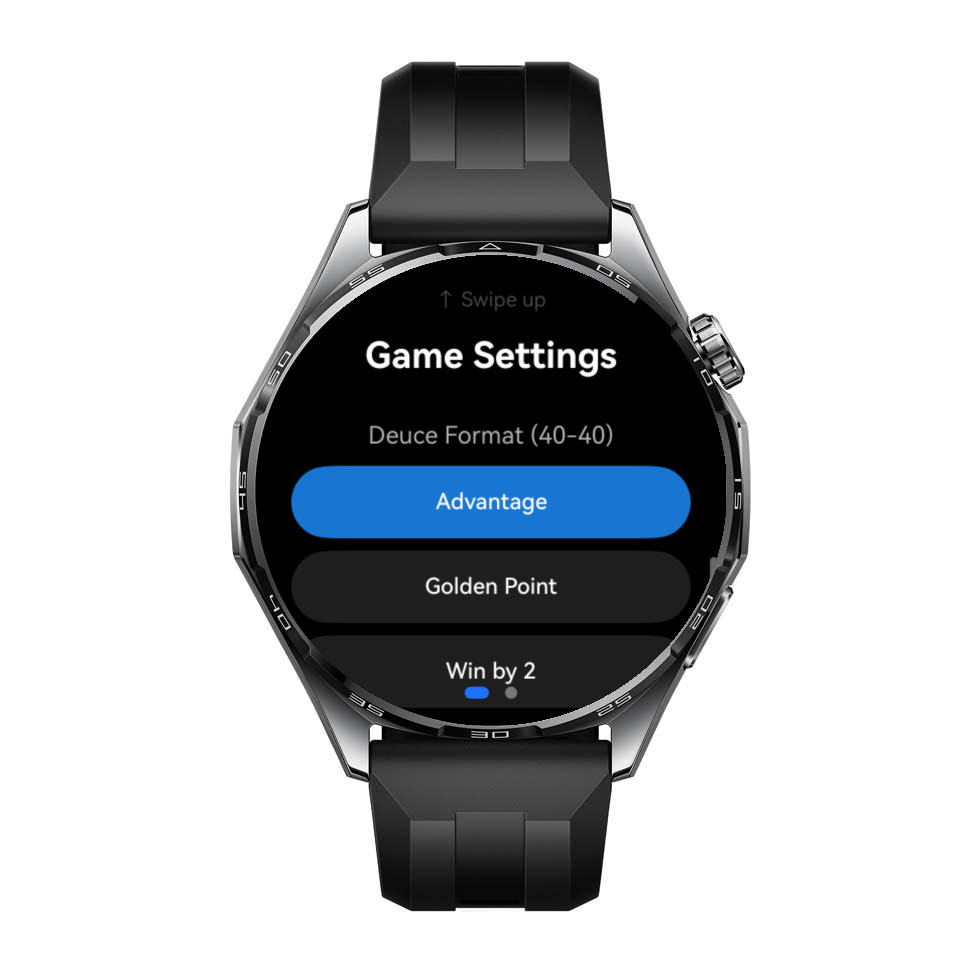
Best of 3/5 sets, tie‑break at 6–6, and configurable deuce mode (Advantage, Golden Point, or Win by 2).
Local match history
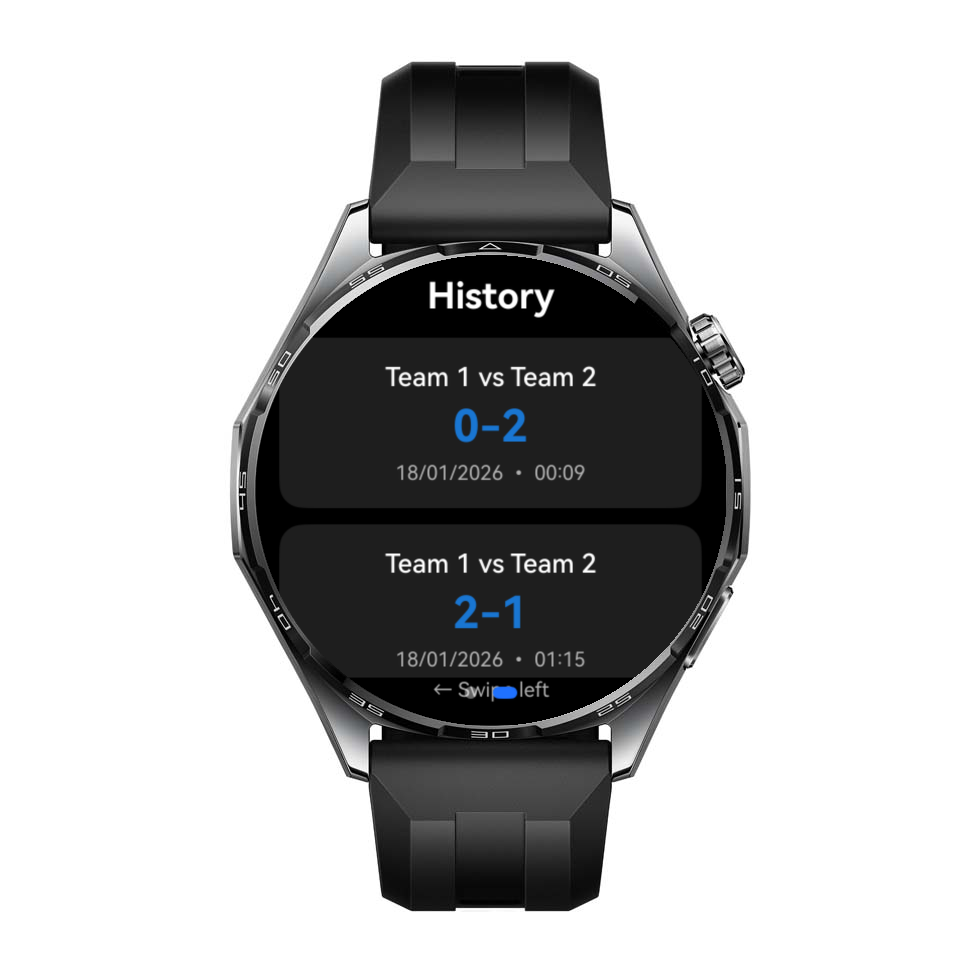
Stores recent completed matches locally on the watch (date, duration, final sets score). No cloud sync.
Undo / pause / finish
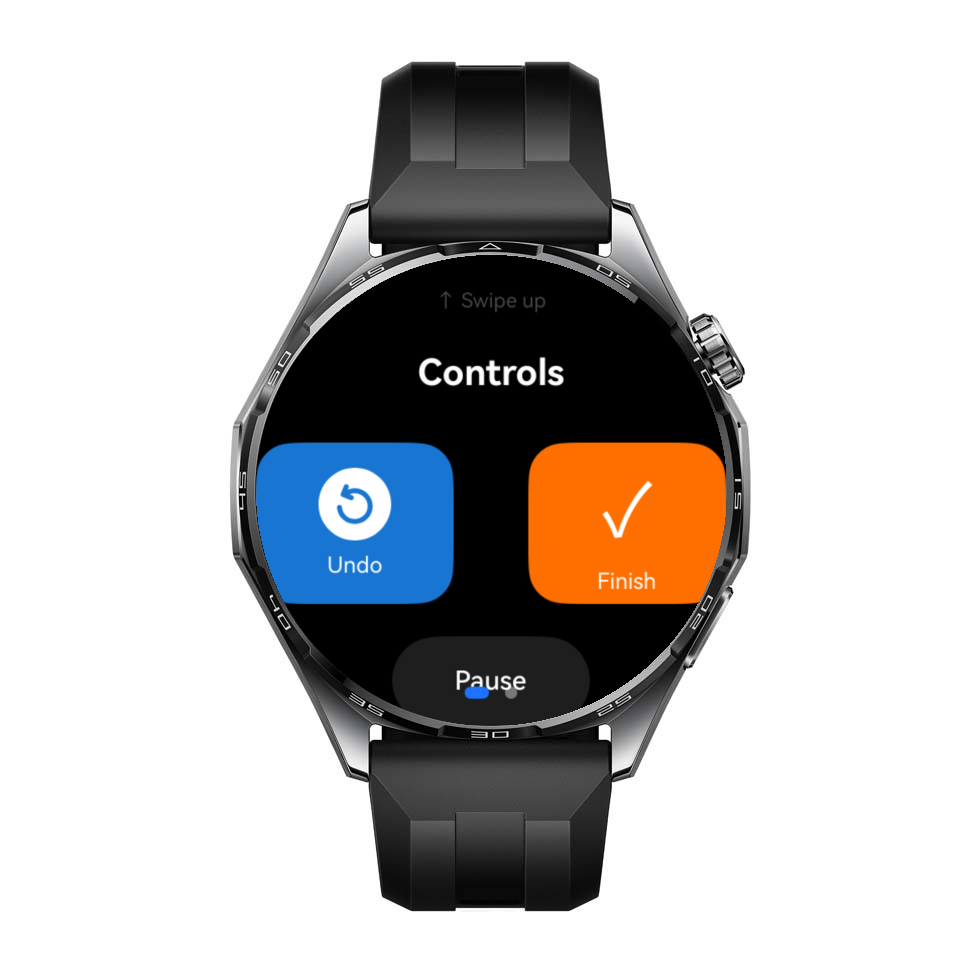
Undo the last point, pause the match timer, or finish the match with a confirmation prompt.
Offline by design
No accounts, no analytics, and no network communication required for normal operation.
How it works
Get started in 5 simple steps and focus on the match
Install PadelScore
WearOS is currently in closed beta; see the Download section to join and install it. iOS is coming soon.
Open & play
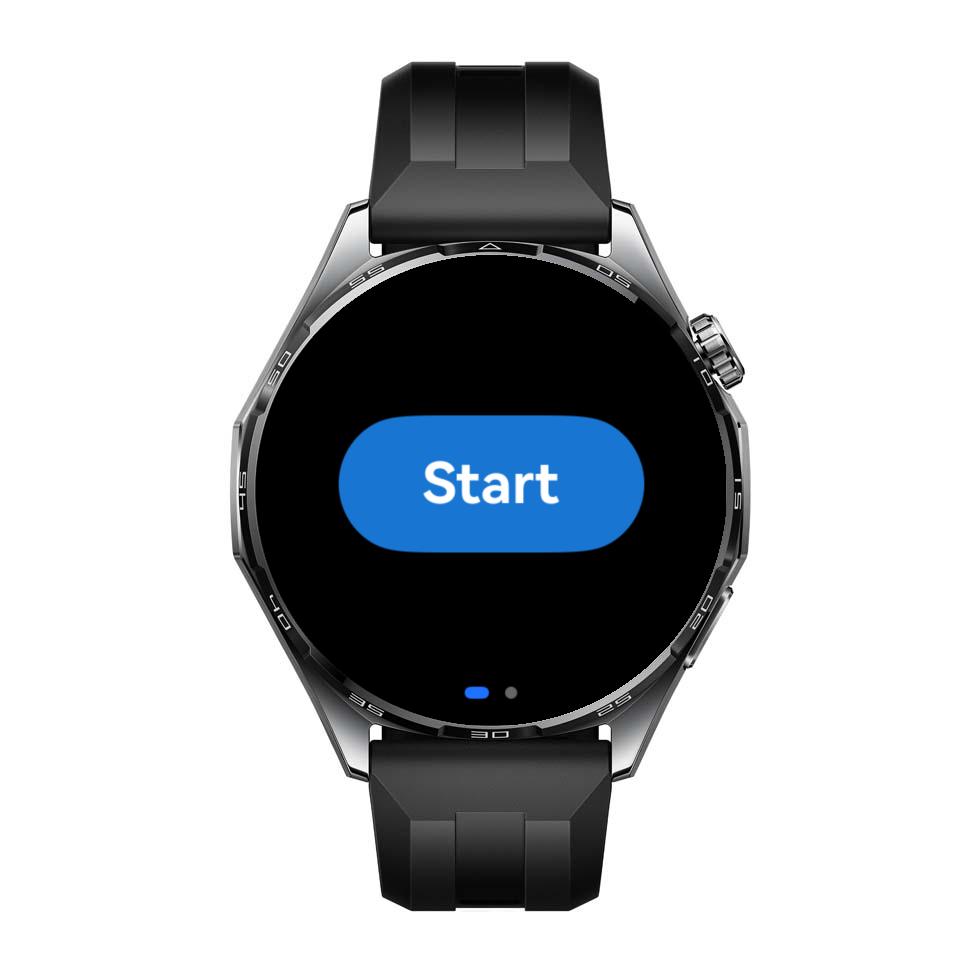
Tap Start. If there's an unfinished match, you can resume it.
Match setup
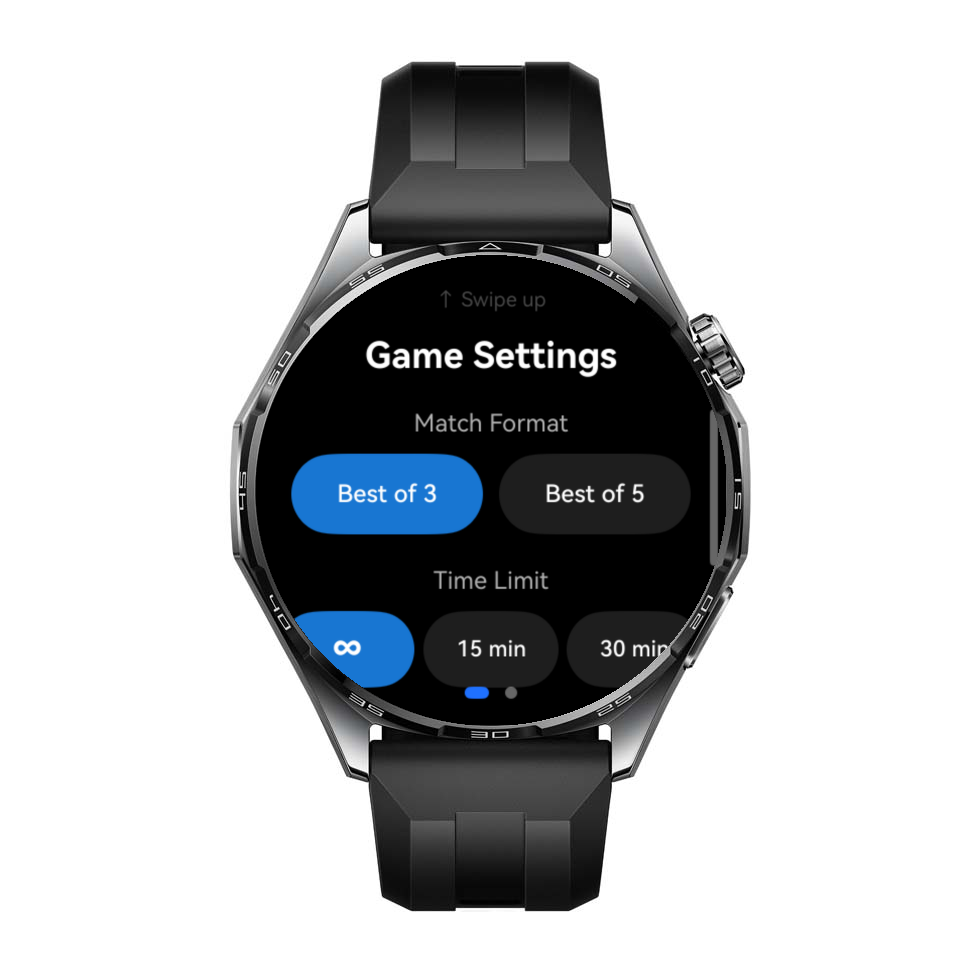
Select best‑of format, optional time limit, and deuce mode (Advantage / Golden Point / Win by 2).
Who serves first
Choose the starting serving team. Serving and side indicator update during the match.
Track points live
Tap the team that won the rally. The app manages games/sets and tie‑break automatically.
Screenshots
Real UI screens from the watch app.
FAQ
Quick answers.
Does it work without internet?
Yes. PadelScore is designed for offline use. Match state and history are stored locally on the watch.
Will I lose my match if the app closes?
No. The match is periodically auto‑saved, and you can resume after restart.
Which scoring rules are supported?
0/15/30/40 scoring, tie‑break at 6–6, and configurable deuce mode: Advantage, Golden Point, or Win by 2.
Do you collect data?
No. The app does not send data to the developer, does not use analytics, and does not require an account. See Privacy Policy.
Download
The WearOS version is currently in closed beta. Follow these two steps to install it on your watch.
Install the WearOS beta
Join the testers group first. Google Play requires group membership to grant access to the beta.
Join the testers group
Open the Google Group and click Join group. This is required before Google Play can grant you access to the beta.
Joining lets Google process your Google Account profile, email address, and group membership. As group owner, the developer can see some of this information. See our Privacy Policy.
Accept the invitation and install
Open the testing invitation and click Become a tester. Then install PadelScore on your watch from Google Play.
Beta notice: This test version may contain bugs, stop unexpectedly, affect battery life, or lose locally stored match data. Install it voluntarily for testing and do not rely on it as the only record of a match. This notice does not limit any rights or liability that cannot legally be excluded.
iOS is coming soon. For help, email padelscore.top@gmail.com.
Contact
Questions about the app, publishing, or privacy.